
MileDial
Pick a distance. Get a route. Just run.
MileDial builds running loops and out-and-backs for the exact distance you want, starting right where you are. Then it guides you along the route, telling you when to turn, when you're halfway and how each mile went. It works on your phone alone: no account, no watch, no tracking.
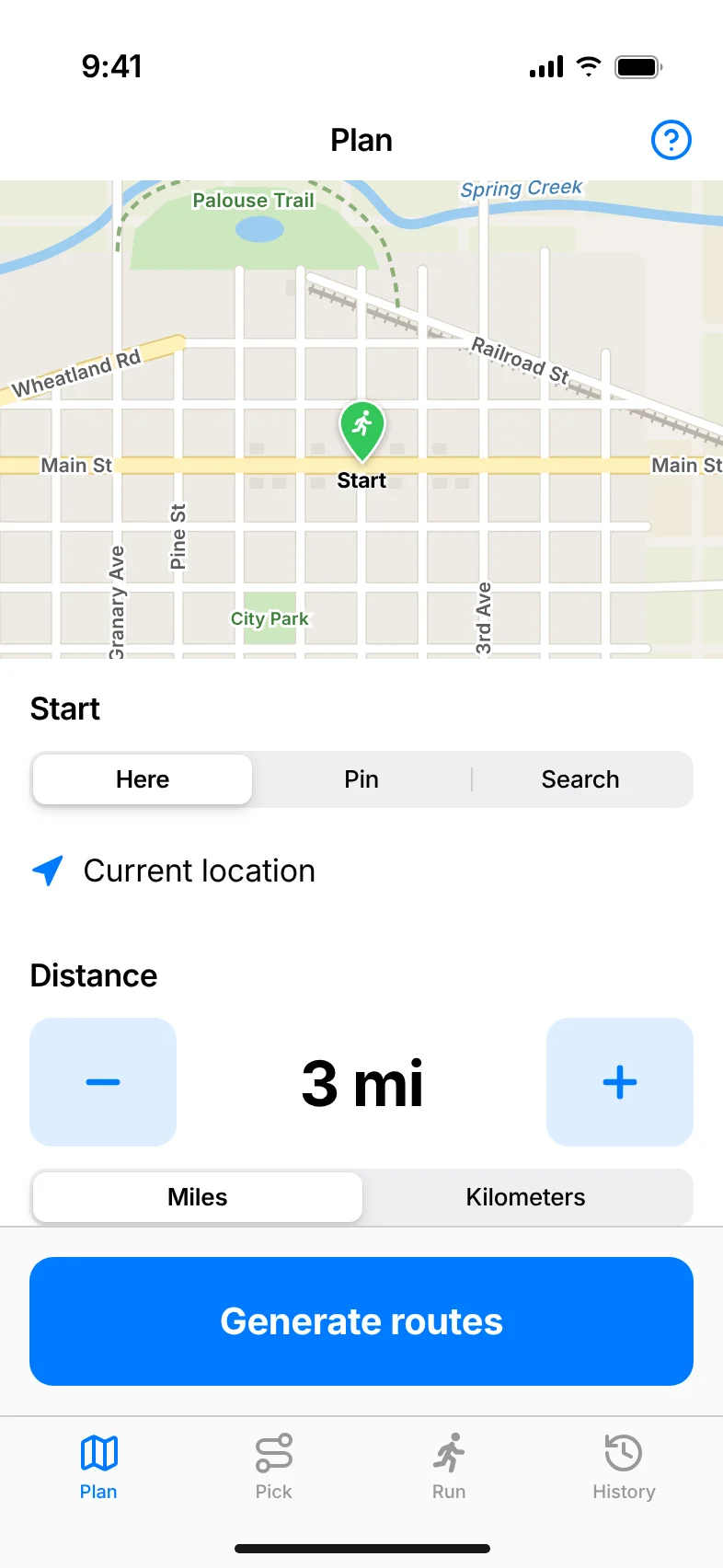
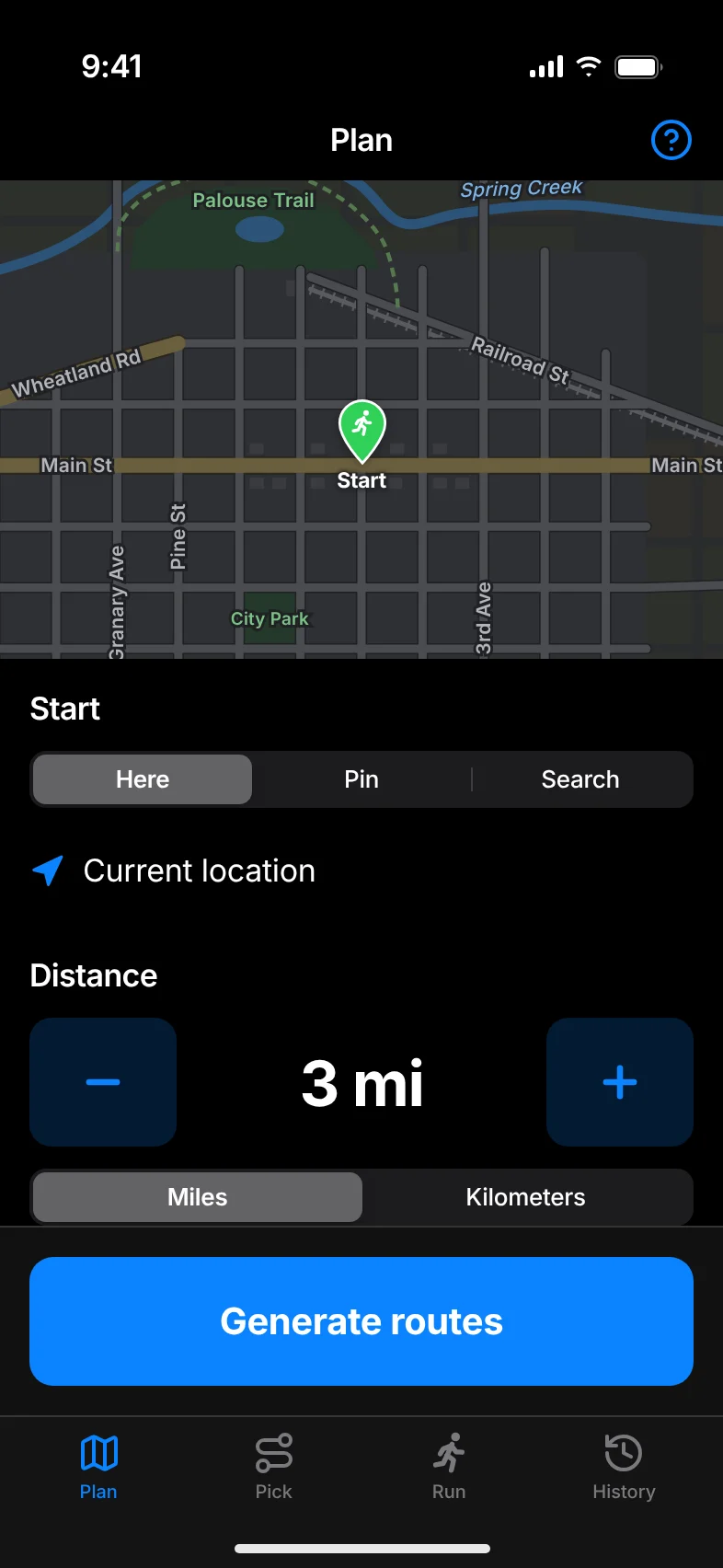
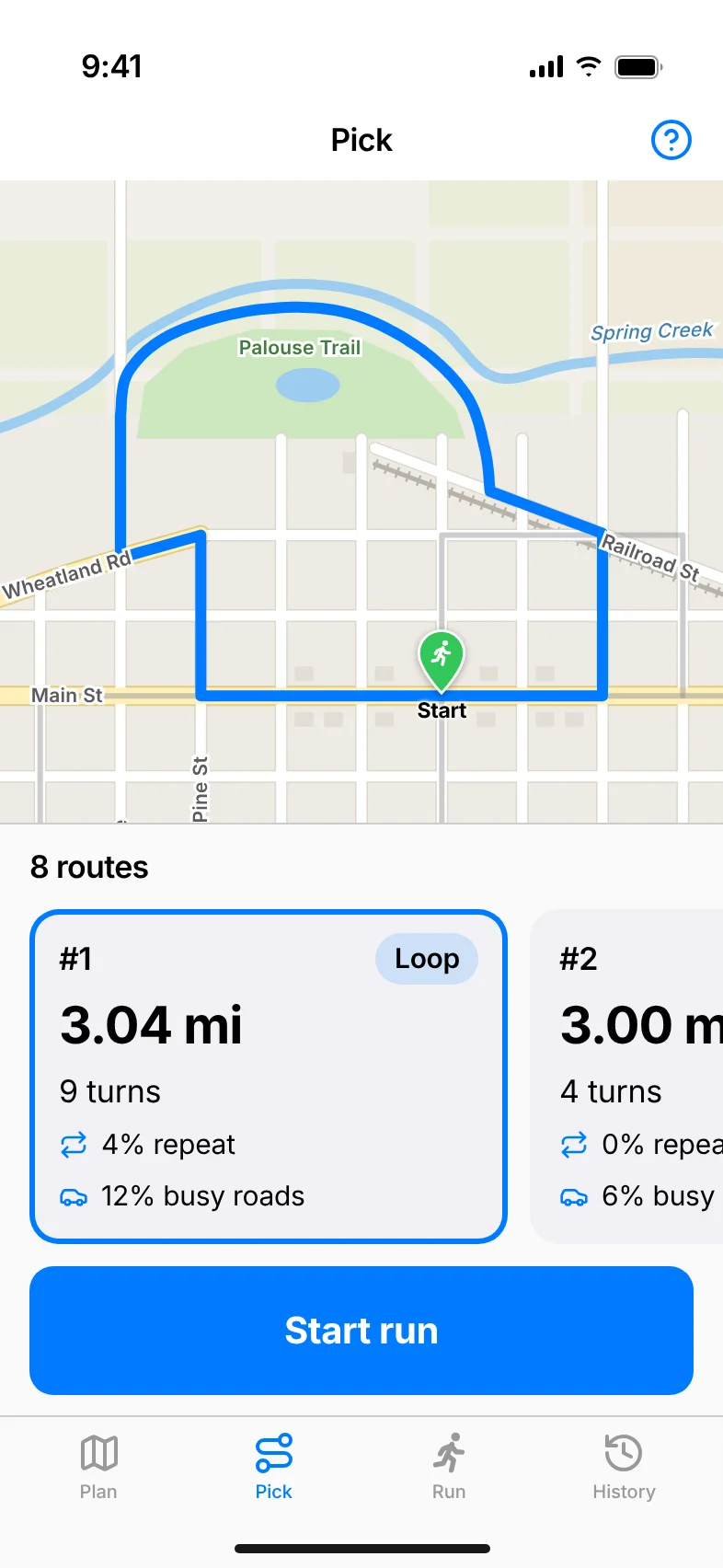
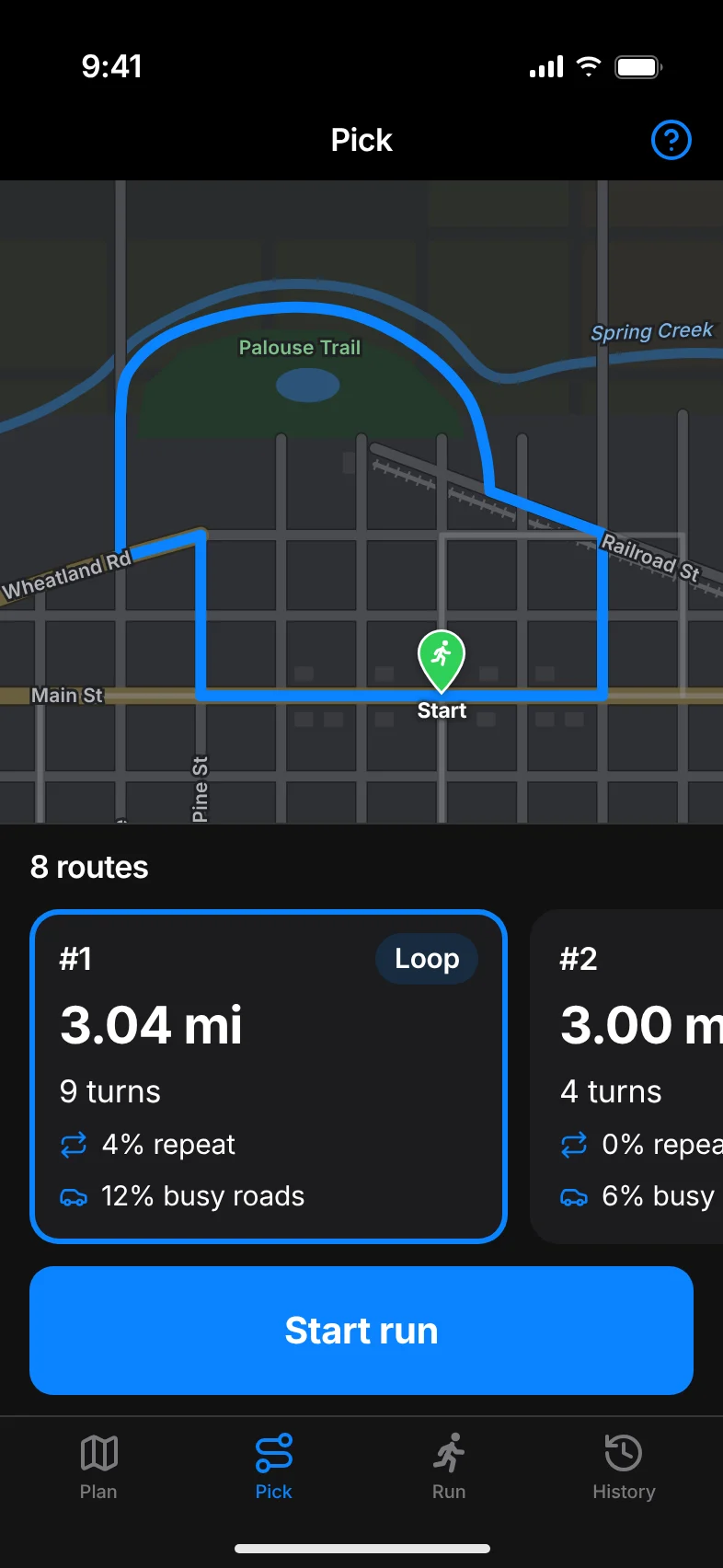
Screens show sample data.
What it does
Plan
- Start from where you are, a pin you drop, or a place you search for.
- Any distance from 1 mile to a marathon, in miles or kilometers.
- Choose loops, out-and-backs, or both.
Pick
- Up to ten ranked routes appear on the map as they're found.
- Each route shows its distance, number of turns, how much road you'd run twice, and how much is on busy roads.
- Out-and-backs mark the turnaround.
Run
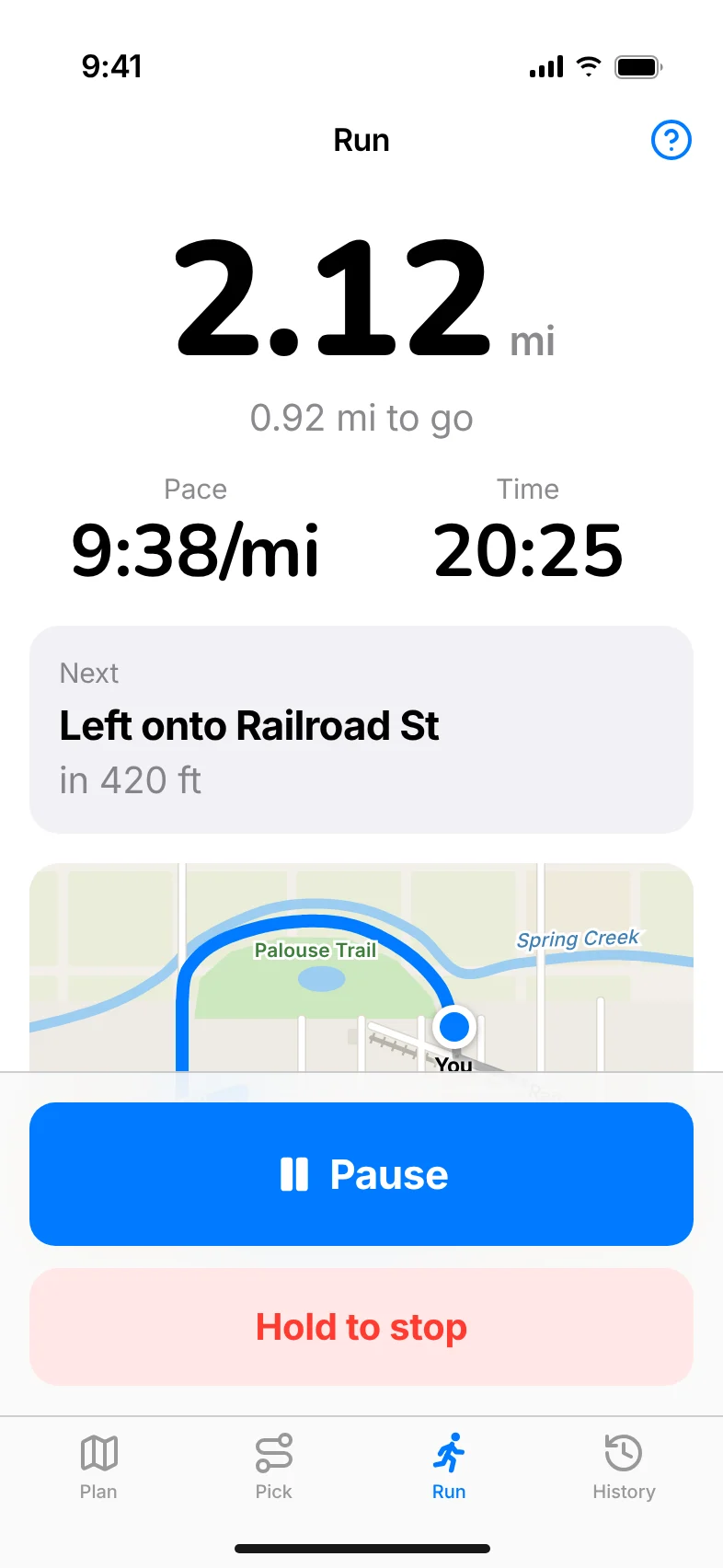
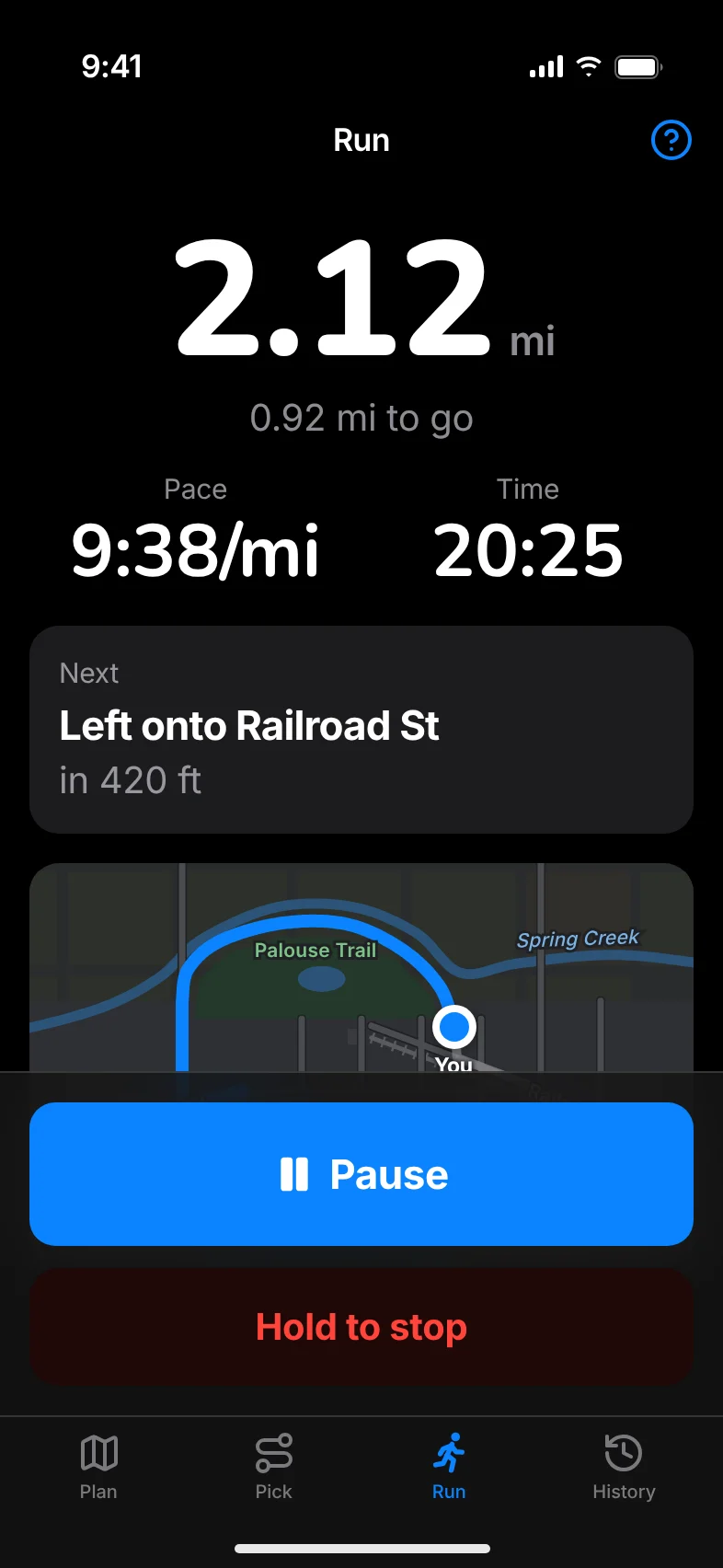
- Large numbers you can read at arm's length: distance, distance to go, pace and time.
- The next turn and how far away it is.
- Pause and resume, and a Hold to stop button so a stray tap can't end your run.
- Keeps tracking with the screen off.
Alerts
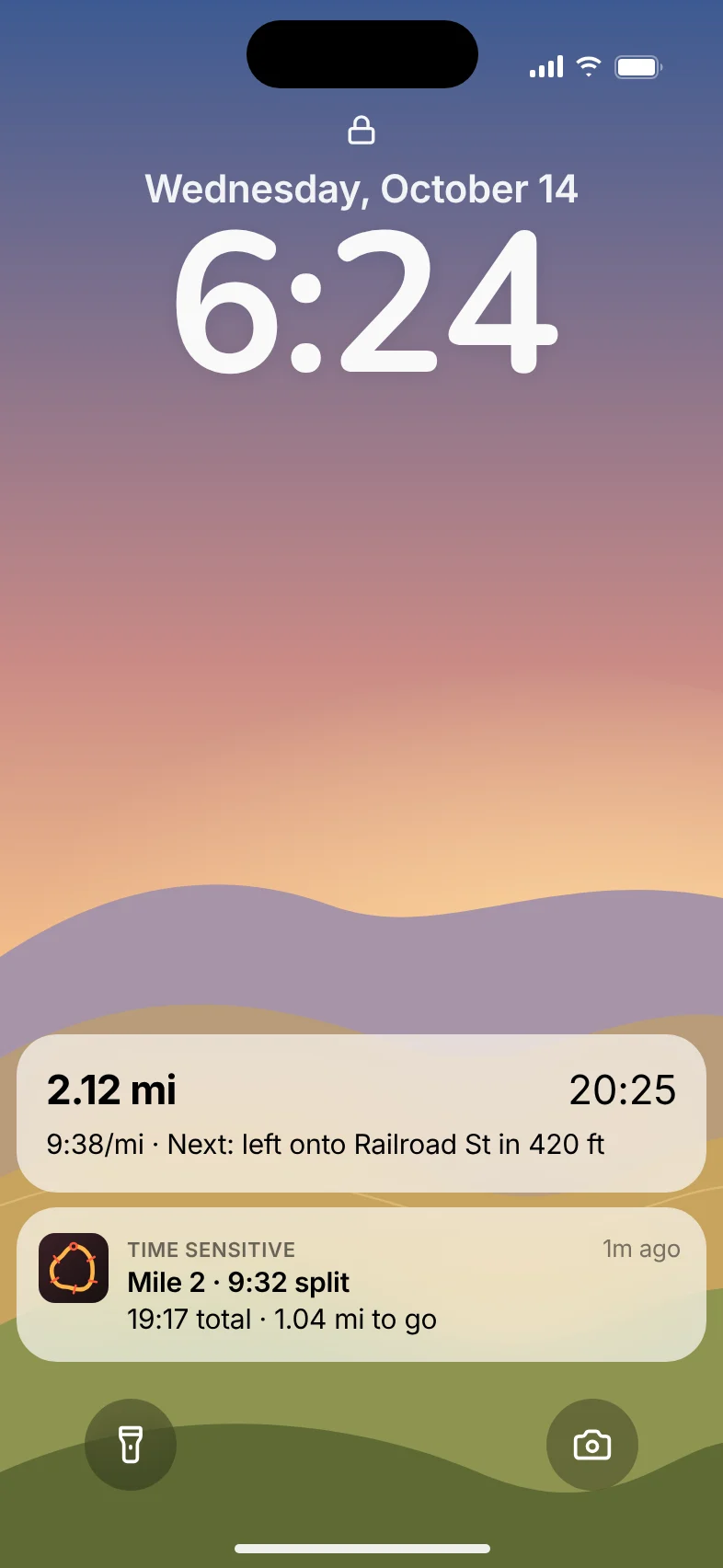
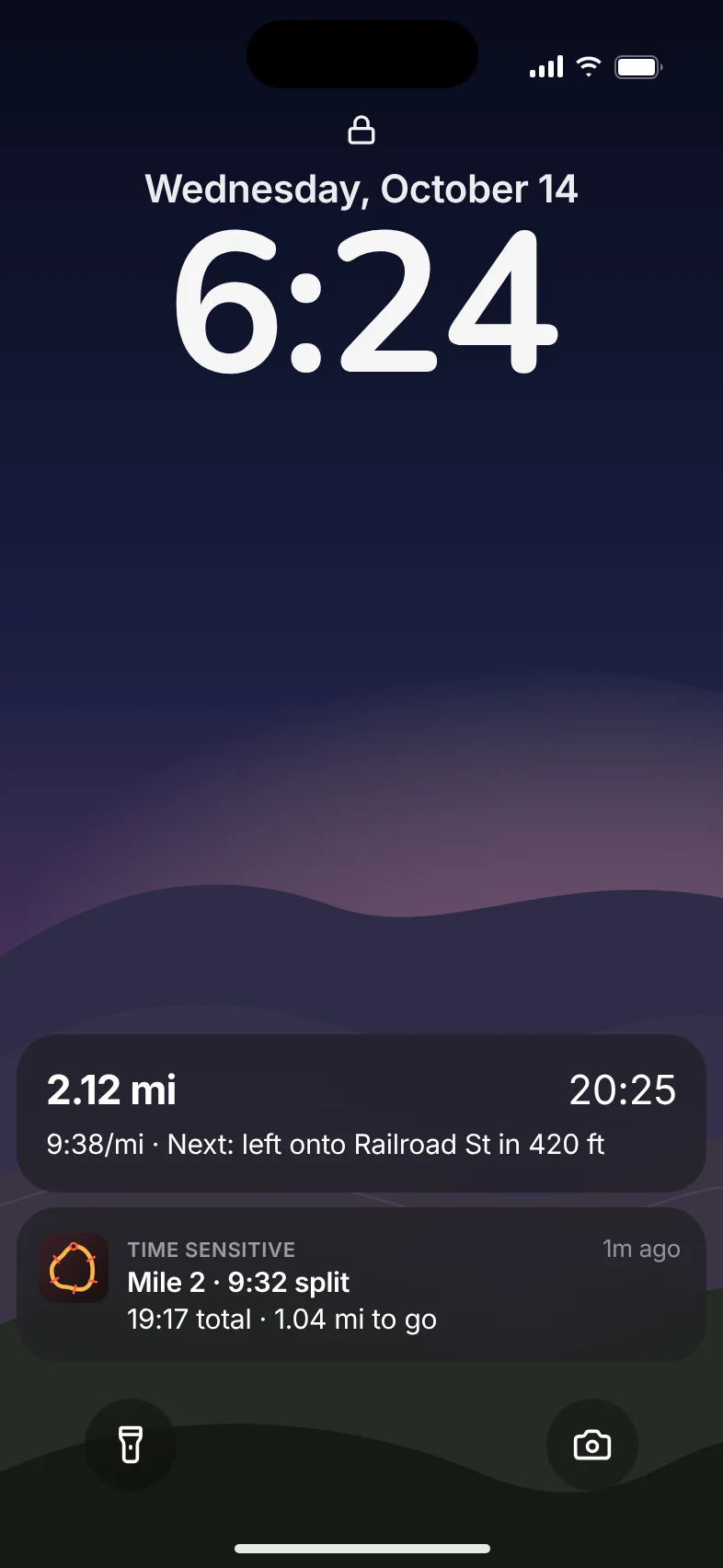
- A split every mile or kilometer, with time so far and distance to go.
- Halfway on loops, and a heads-up before the turnaround on out-and-backs.
- Turn alerts before each corner, and a nudge if you go off route.
- Live progress on the lock screen and Dynamic Island.
Private
- Routes are worked out on your phone, using OpenStreetMap data.
- No account and no analytics. Your runs stay on your phone.
Not finished yet
- A Settings screen to turn on spoken alerts and saving runs to Apple Health or Health Connect
- Downloadable maps by region, starting with Washington and Idaho
- Favorite routes
The details
- Works on
- iPhone, and Android phones.
- Maps
- Apple Maps on iPhone and Google Maps on Android draw the map; routes are worked out on your phone.
- Location
- Only while you're using the app. During a run that includes the screen being off.
- Sync
- None. Runs stay on the phone.
- Privacy
- Your location is used on your phone and never sent to me. Read the privacy page.