
Budget
Every bill this month, from due to paid to cleared.
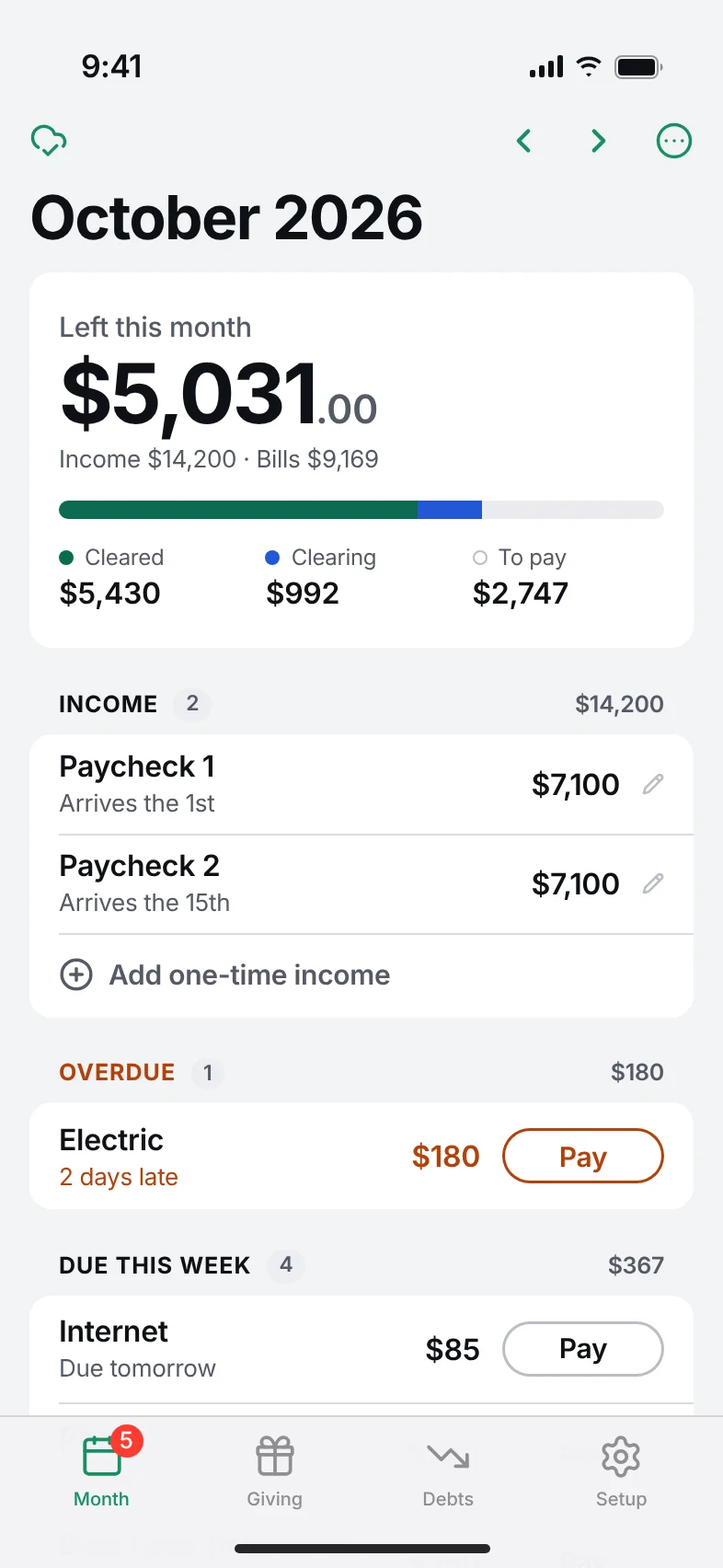
Budget shows your household's month at a glance: what came in, which bills are still due, and how much is left. One tap marks a bill Paid; another marks it Cleared once it's gone through the bank.
Screens show sample data.
What it does
Your month
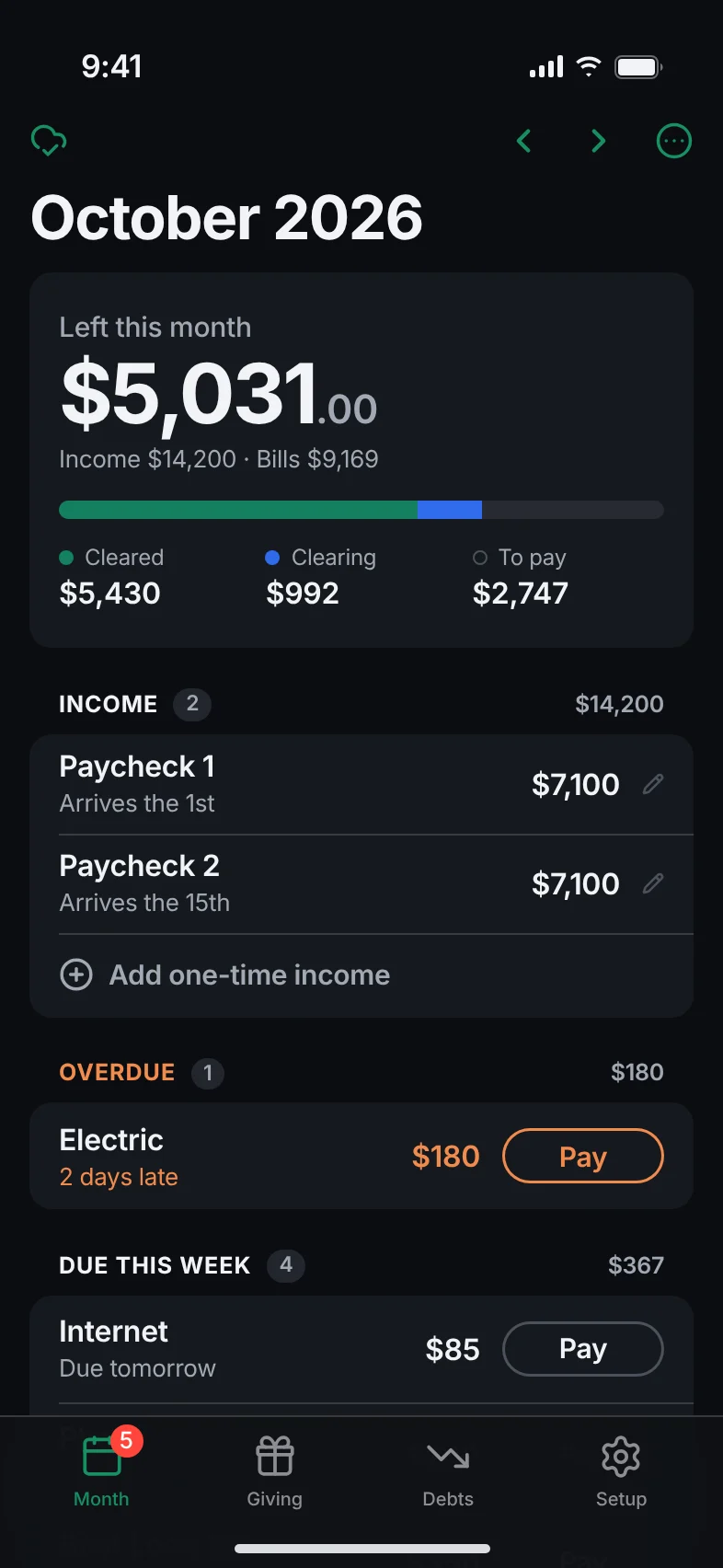
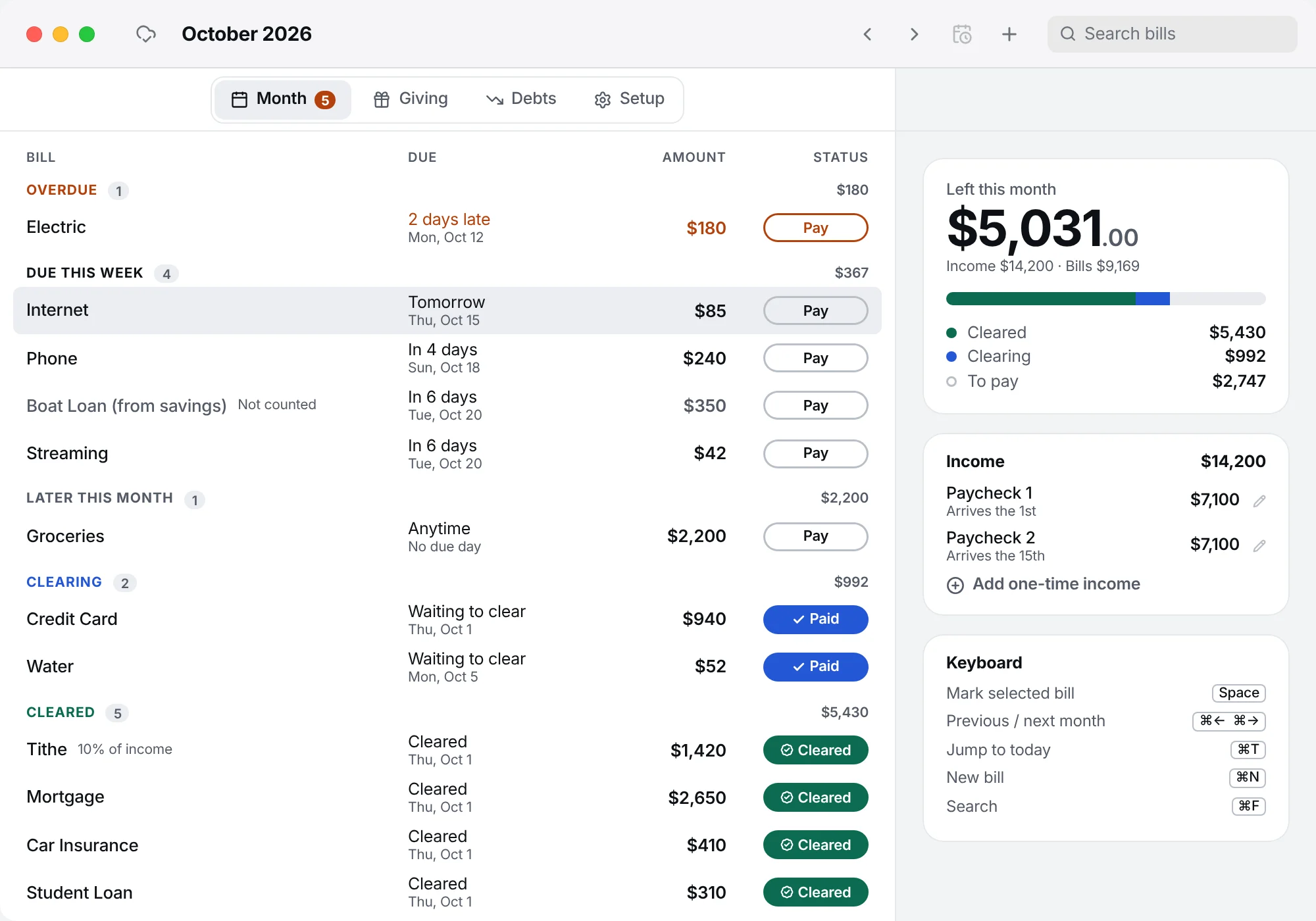
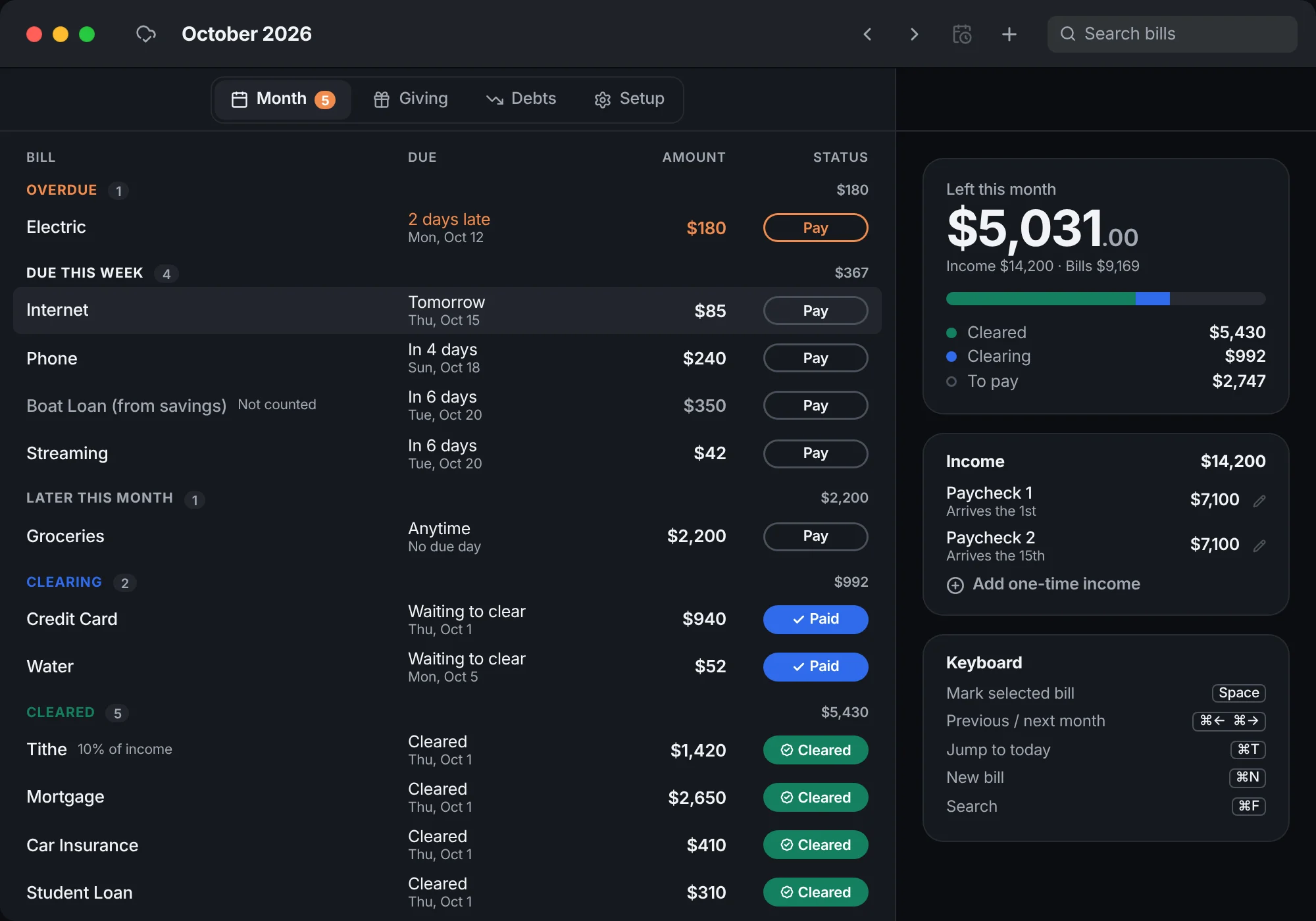
- "Left this month" in big numbers, with a bar for what's cleared, clearing and still to pay.
- Bills grouped by urgency, most urgent first, with plain countdowns like "in 3 days" or "2 days late".
- One button per bill: tap it to go from Pay to Paid to Cleared.
- Move between months, jump back to today, and skip a bill for one month.
Bills and income
- Each bill has a due day, a fixed amount or a percent of income, and how often it repeats.
- Bills paid from somewhere else can be left out of the totals.
- Change one paycheck for one month, skip it, or add one-time income like a bonus.
Giving
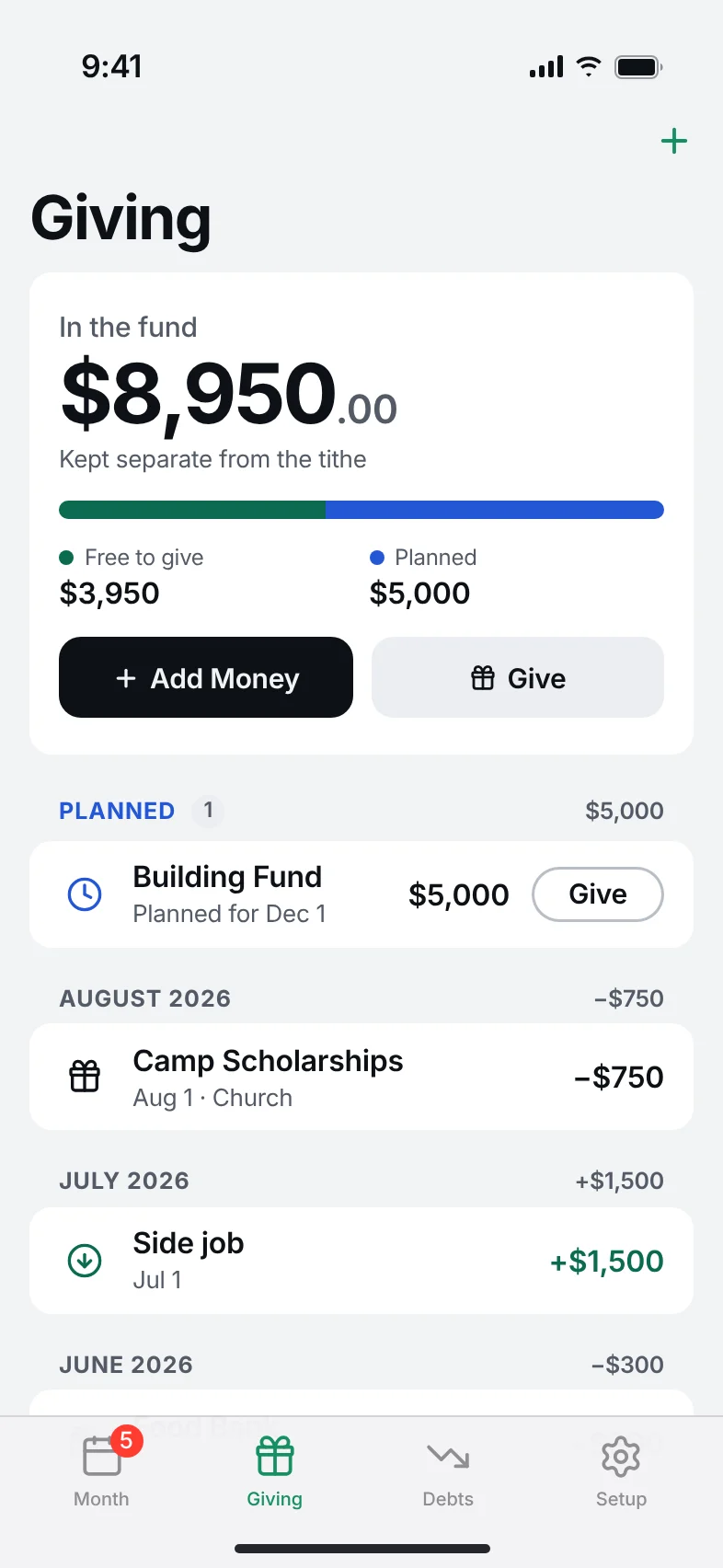
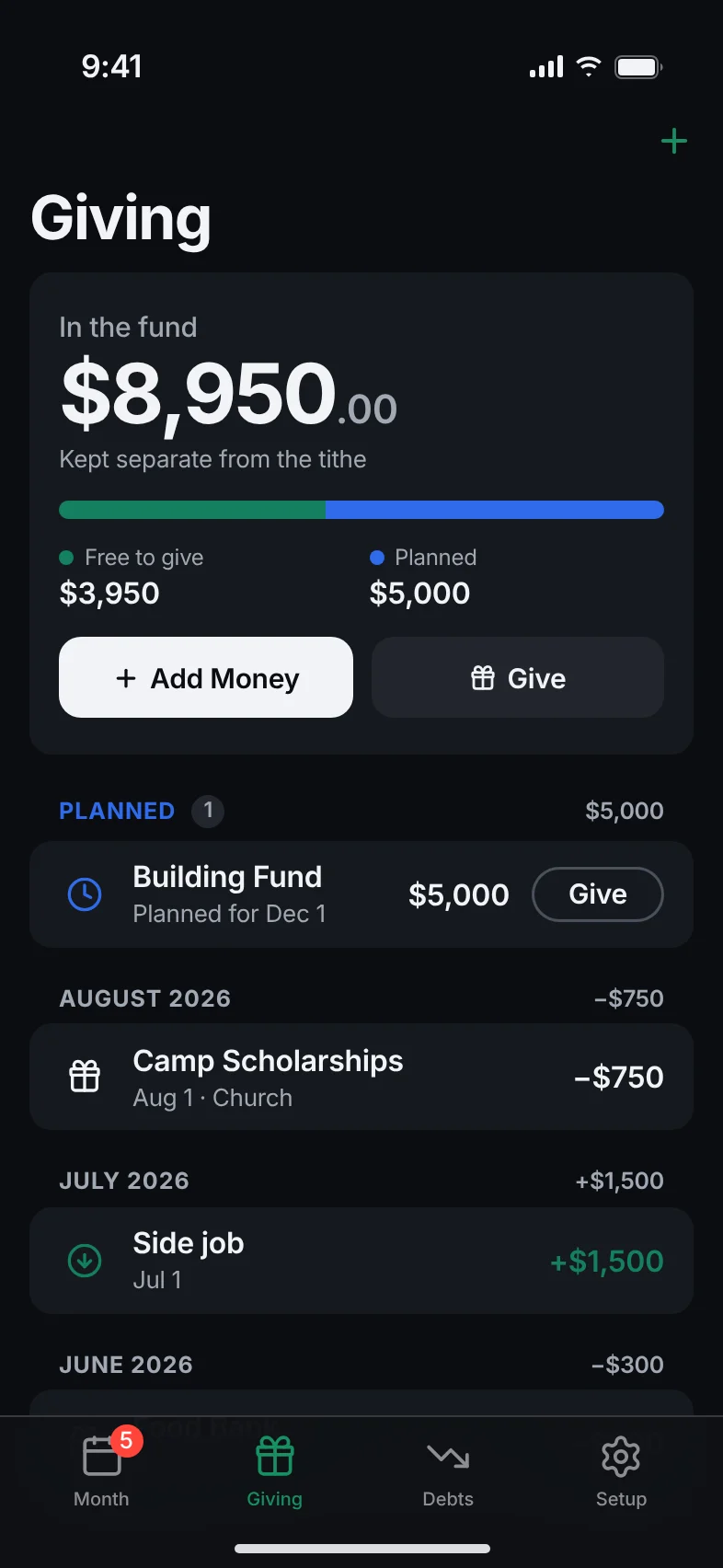
- A giving fund kept separate from the tithe: what's in it, what's free to give and what's planned.
- Plan gifts ahead and give them with one tap.
Debts
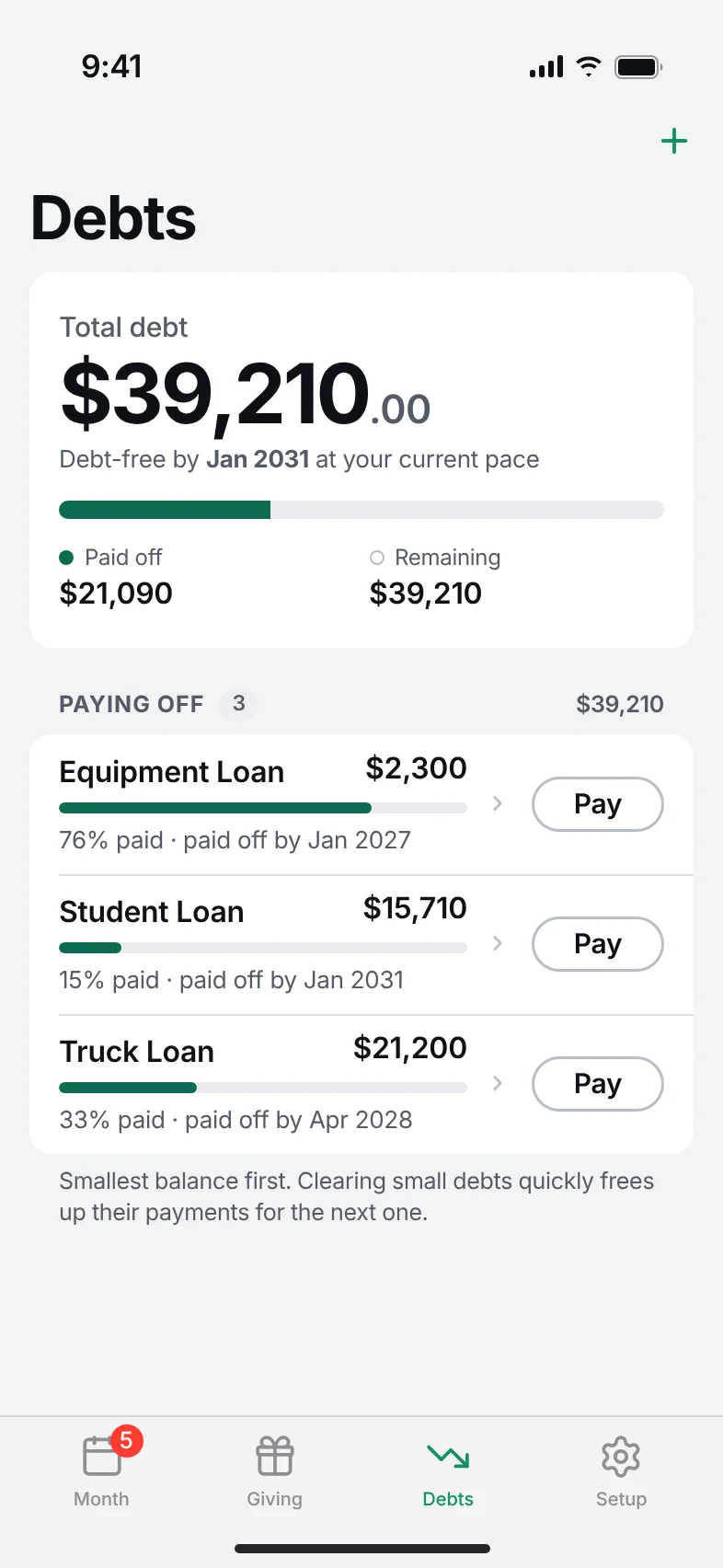
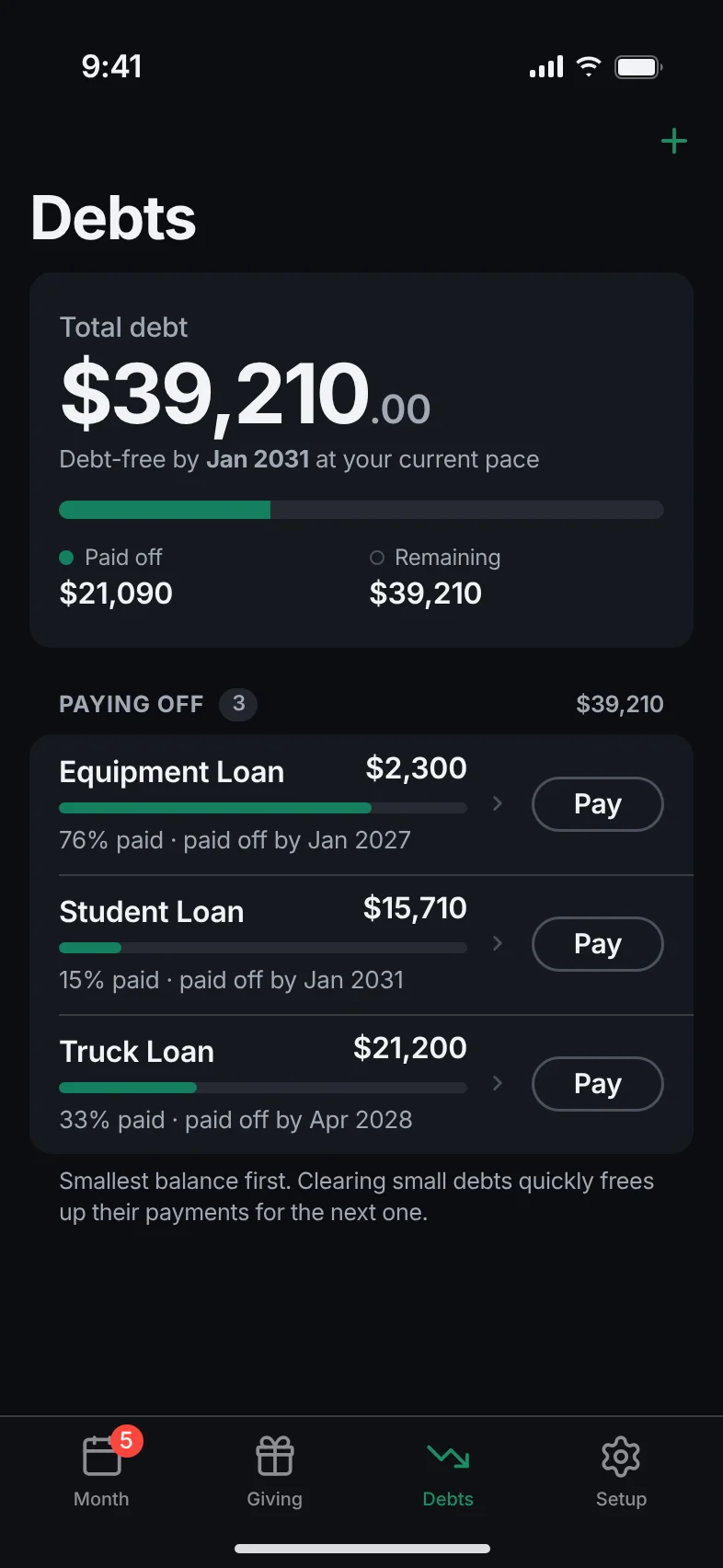
- Total debt and the month you'll be debt-free at your current pace.
- Debts listed smallest balance first, each with progress, its own payoff date and a Pay button.
- A "Pay a little more" calculator on each debt.
Private by design
- Never connects to a bank. Everything in it is something you typed.
- Names, amounts and notes are end-to-end encrypted in iCloud.
- Optional Face ID or Touch ID lock.
- Backup export and restore.
On Mac and iPad
- Bills on the left with your summary alongside.
- Keyboard shortcuts: Space marks a bill, ⌘← and ⌘→ change months, ⌘T jumps to today.
The details
- Works on
- iPhone and iPad with iOS 18 or later, and Mac with macOS 15 or later.
- Sync
- Your own private iCloud, end-to-end encrypted.
- Privacy
- Nothing is sent to me, and it never connects to a bank. Read the privacy page.